01 / START
Choose your space
First-run setup offers clinical or personal workspaces and note style preferences. Add a title and optional people to each conversation.
WordHeld gives you a place to capture audio, correct what the software heard, and turn source material into useful drafts.
First-run setup offers clinical or personal workspaces and note style preferences. Add a title and optional people to each conversation.
Record with pause and resume, or add an audio file. Seek appropriate permission before recording. The app warns if the microphone reports a problem.
The first transcription may download a speech model. Later transcription can run offline. Audio and conversation content are not sent to the model provider.
Edit recognition errors, especially names, medicines, numbers and meaning. Timed audio moments let you play from a recognised passage. Those times remain tied to the original recognition after edits.
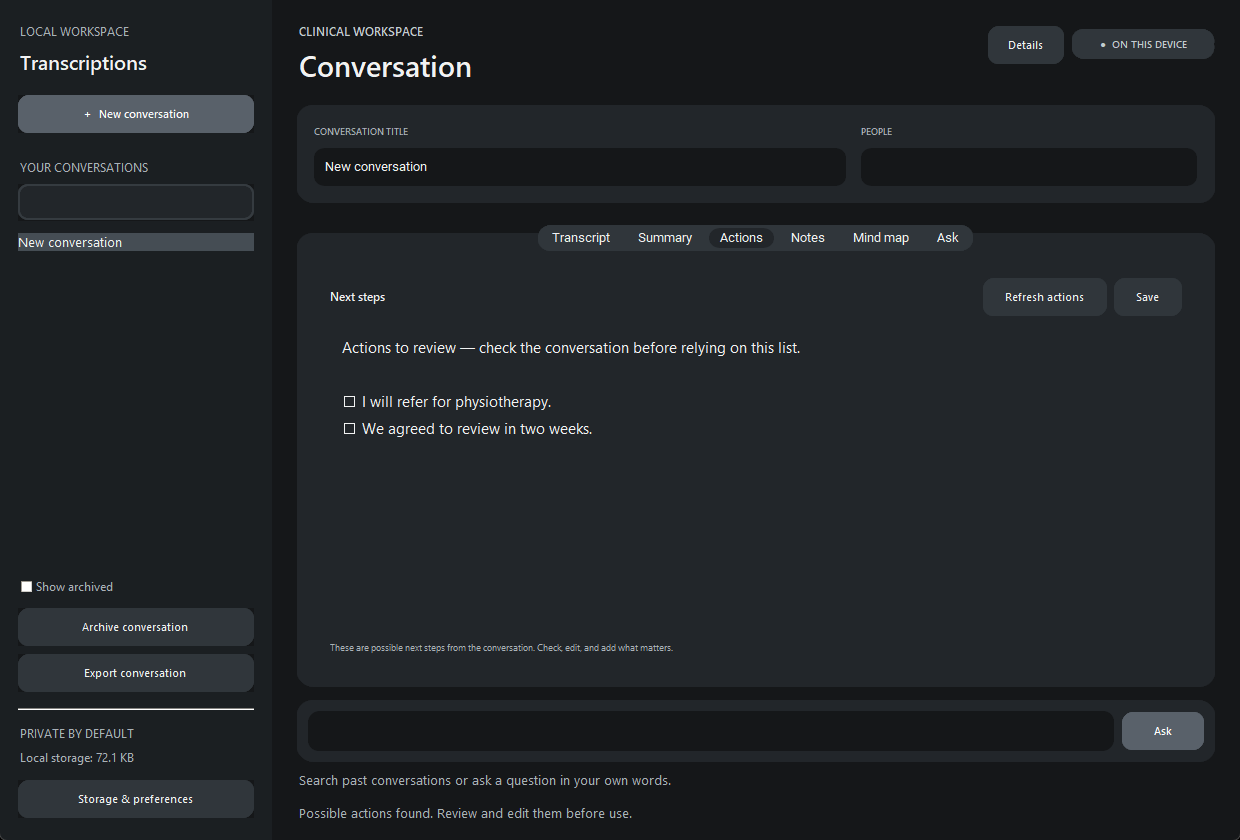
Summaries, actions and notes are editable drafts based on source sentences. WordHeld marks material that needs refresh or review when the source changes.
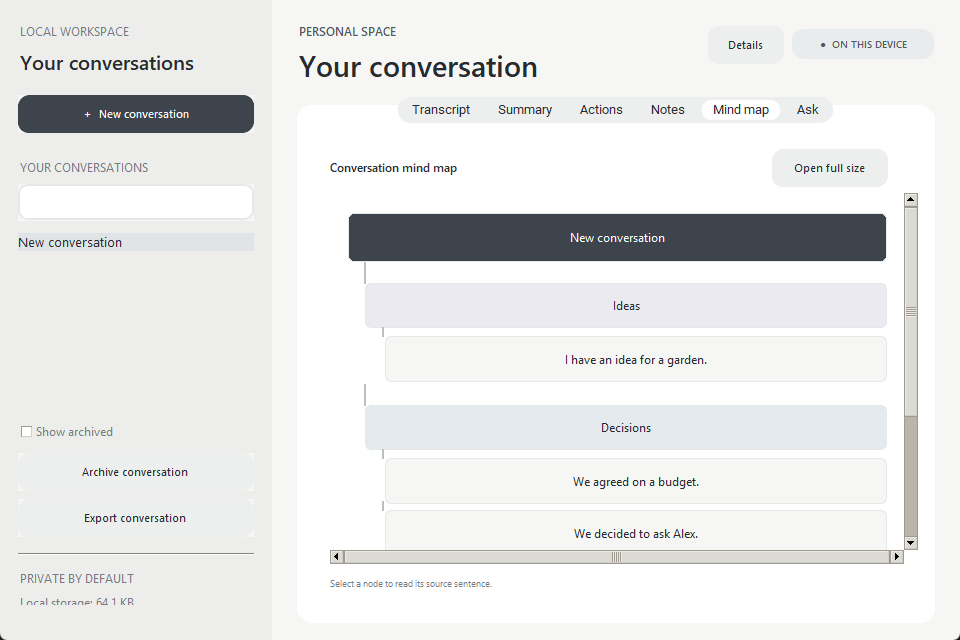
Use the mind map to scan topics and follow-up items. Ask Emi a plain-language question across saved conversations to retrieve matching excerpts, then inspect the original conversation.
Clinical note bullets can jump to their matching transcript sentence. A reviewed note returns to Draft after edits. Export produces a readable text copy of the conversation.
WordHeld is a Windows prototype for evaluation; its public installer is not available yet.