01 / CAPTURE
Record or bring audio in
Use the Windows microphone controls or add an existing audio file. Give the conversation a title and people to make it easier to find.
Record or import audio, turn it into an editable transcript, and find the detail you need later. WordHeld keeps your conversation files on your device by default.
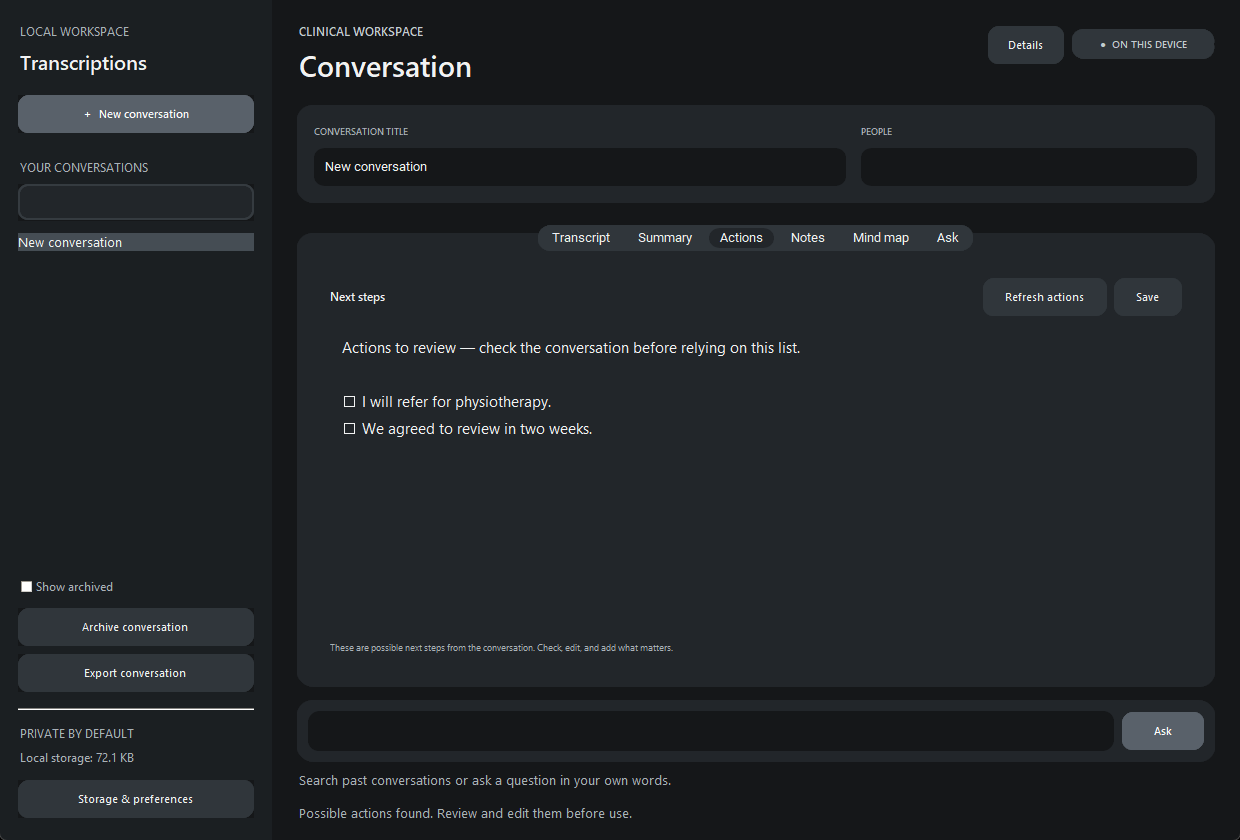
WordHeld is designed for conversations where the original wording matters. Every output is a draft to check, edit and use with your own judgement.
Use the Windows microphone controls or add an existing audio file. Give the conversation a title and people to make it easier to find.
Transcription runs on the device once the speech model is downloaded. Check names, medicines, numbers and meaning against the recording.
Create a summary, action list or note. Explore a mind map or ask Emi to find matching excerpts across saved conversations.
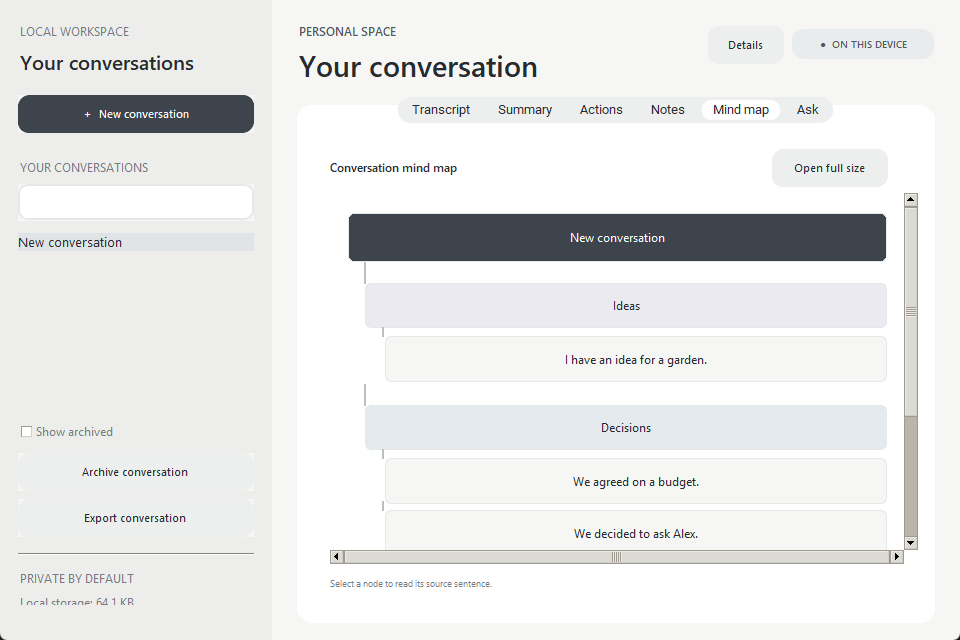
WordHeld organises a conversation into an explorable map. Emi searches saved conversations and returns relevant source excerpts rather than inventing an answer.
Clinical notes include a source-finding workflow so reviewers can jump from a note bullet back to transcript text.
See the review toolsThere is no cloud sync in this prototype. A speech model may download once, but the app does not send your audio or conversation content to that provider.
The local database and audio files are not encrypted at rest. The app has not been clinically validated. Use sample data while privacy, security and clinical workflows are reviewed.
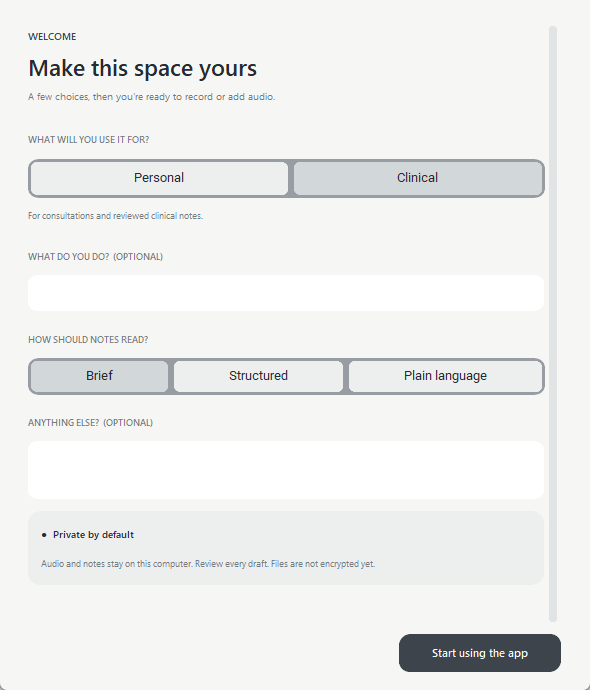
Explore clinical, legal and other confidentiality-sensitive workflows, along with the limits that matter before a real-world pilot.